Maps
Overview
myTracks supports types of maps, the OpenStreetMap (OSM) map and the Apple map. To switch between the map types, tap the globe icon to open the map settings, then select the map type.
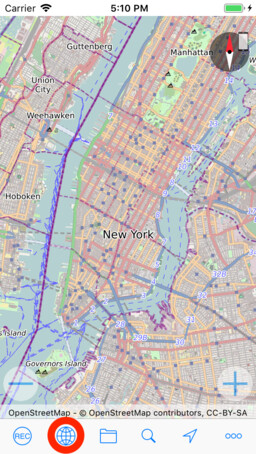
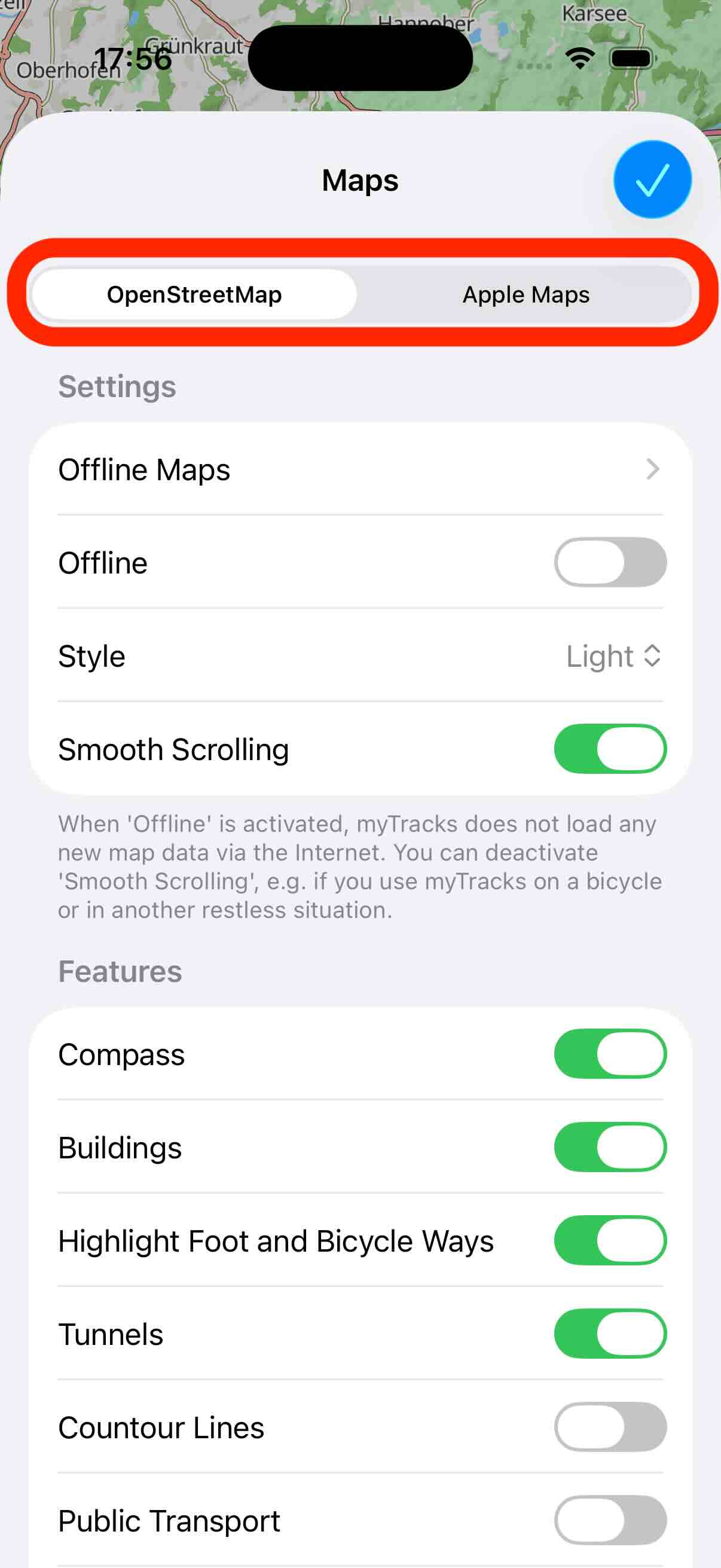
Here you will also find the settings for the individual map types. In the following, the different map types are presented in detail.
OSM Vector Map
This is the default map type and it typically provides more details then the Apple map. In contrast to the Apple map, the OSM map also provides offline maps. The OSM map provides both light and dark mode, which you can configure in the settings view.
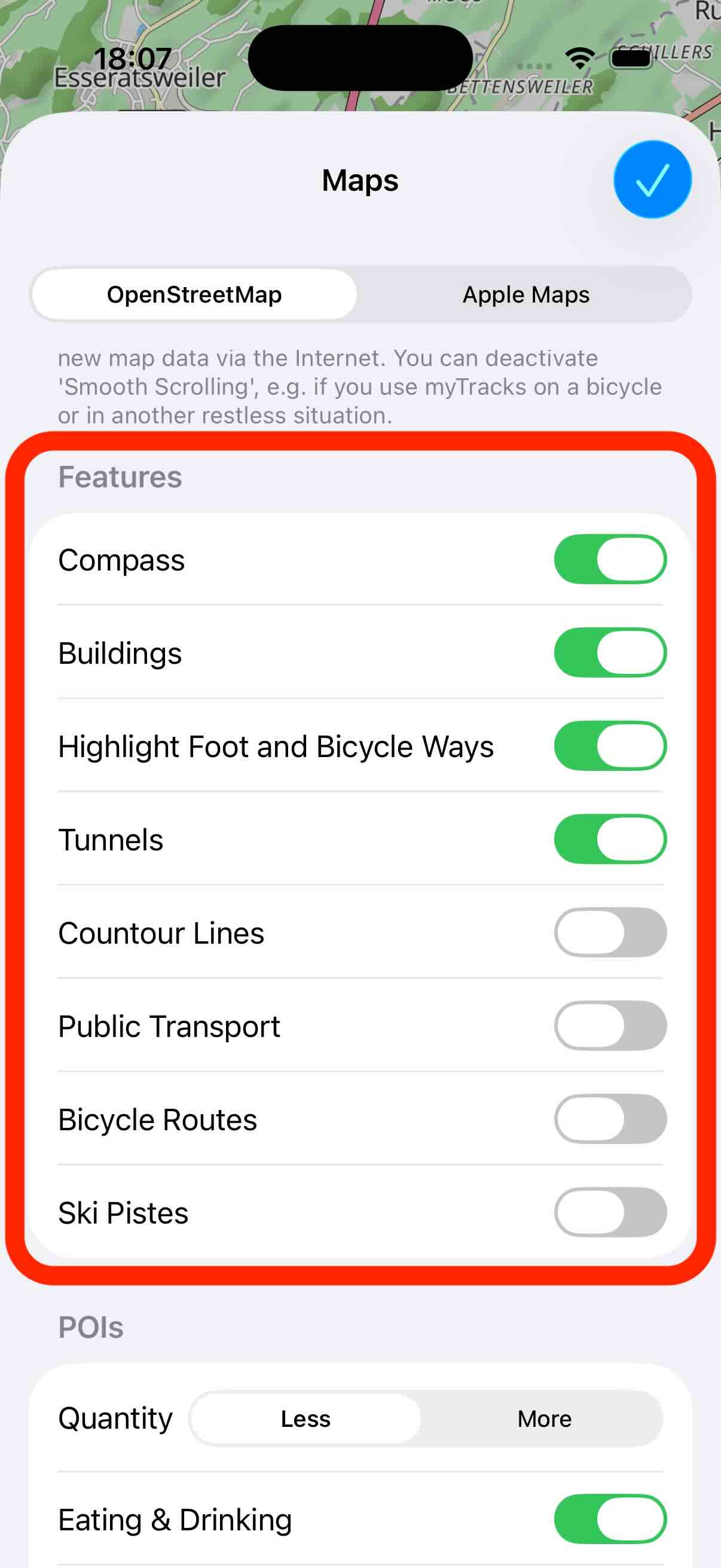
In the settings you can activate and deactivate various features on the map:
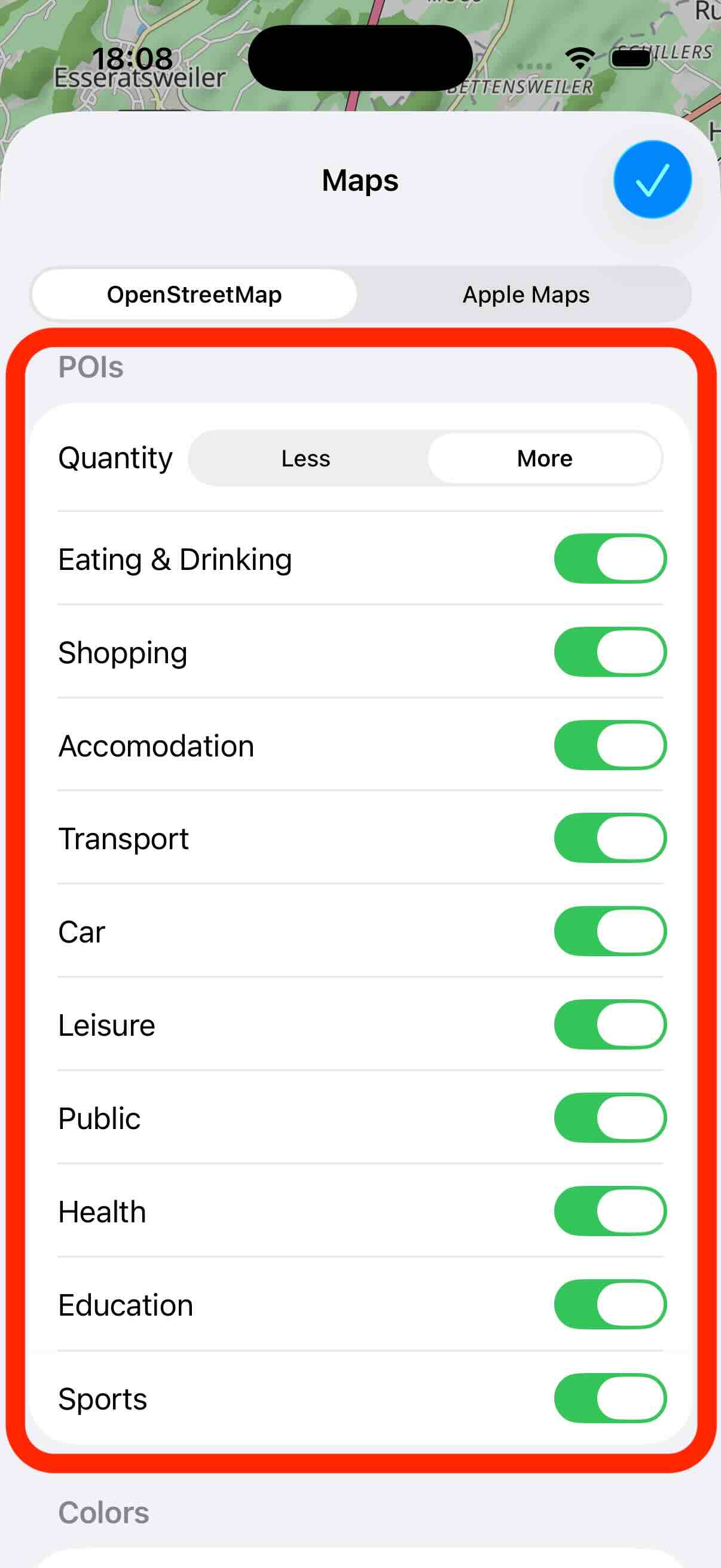
You can also specify which Points-Of-Interest (POI) are shown on the map:
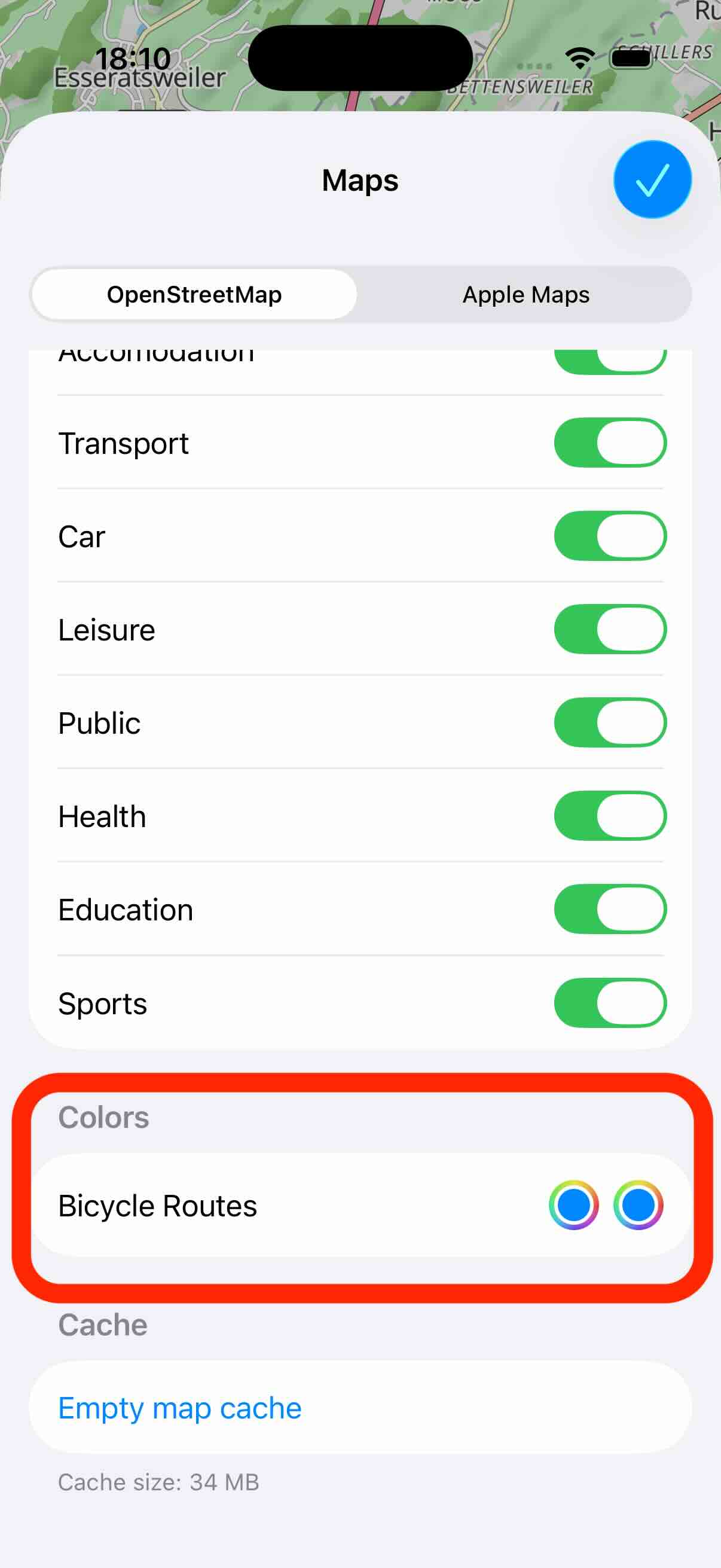
In the features you can enable and disable the display of bicycle routes. In the following section of the settings you can configure the color of these routes. The first color is for the light mode and the second color for the dark mode.
Offline Maps
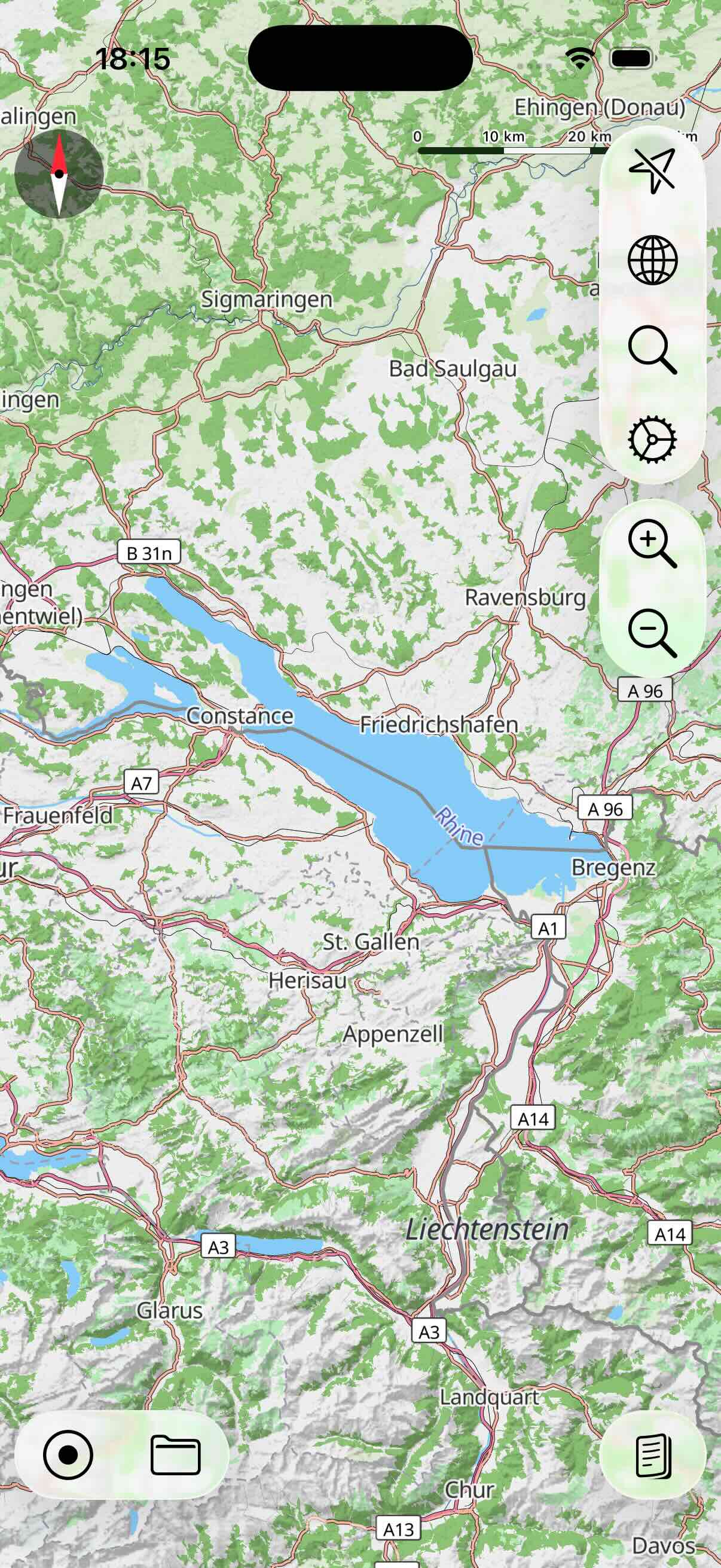
As mentioned before, the OSM map supports offline maps. To create a new offline map, first move and zoom the map to the area you want to load the offline map for. In the following example it is the area of the Bodensee:
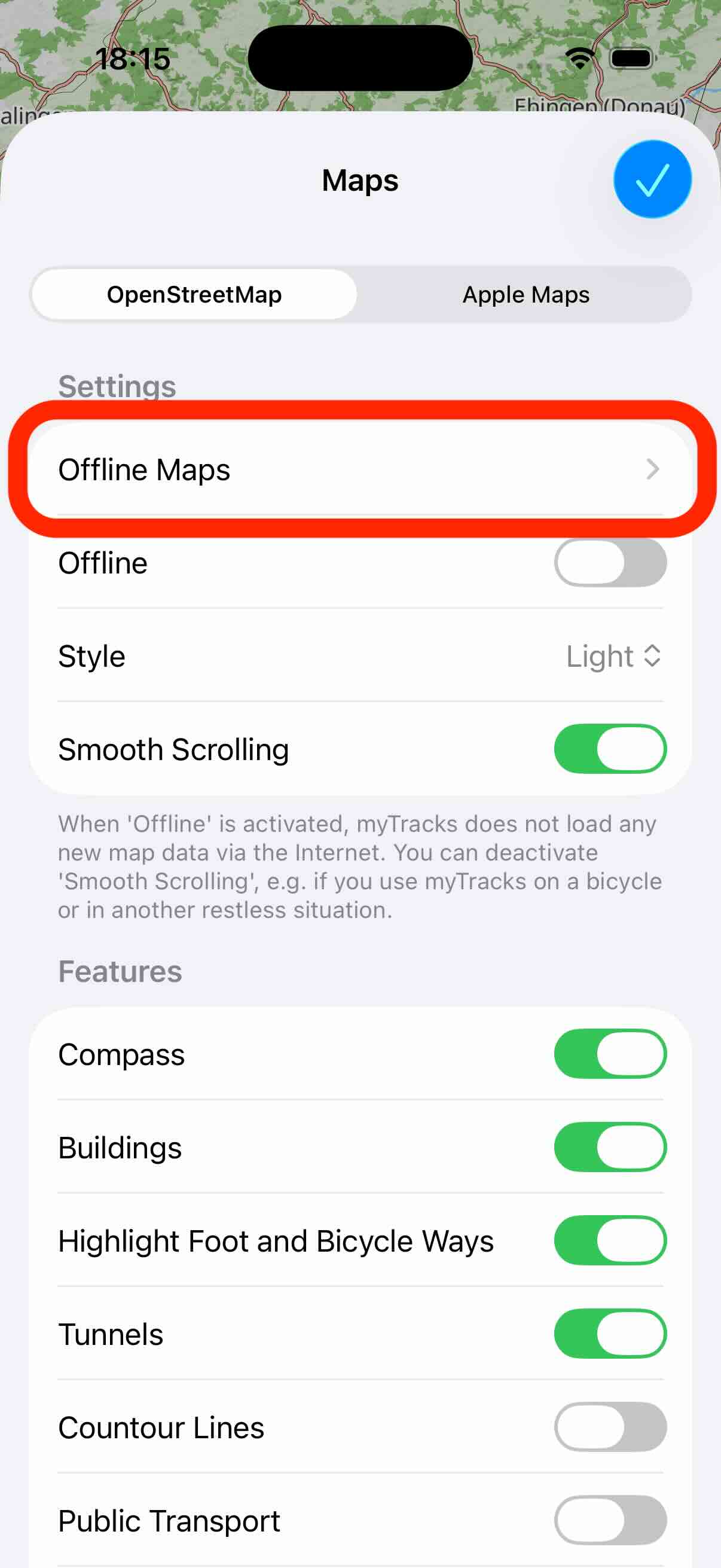
Next, open the map settings view and tap the Offline Maps button:
Initially, you see a blank list because you do not have any offline map. Tap the plus button in the upper right corner to create a new offline map:

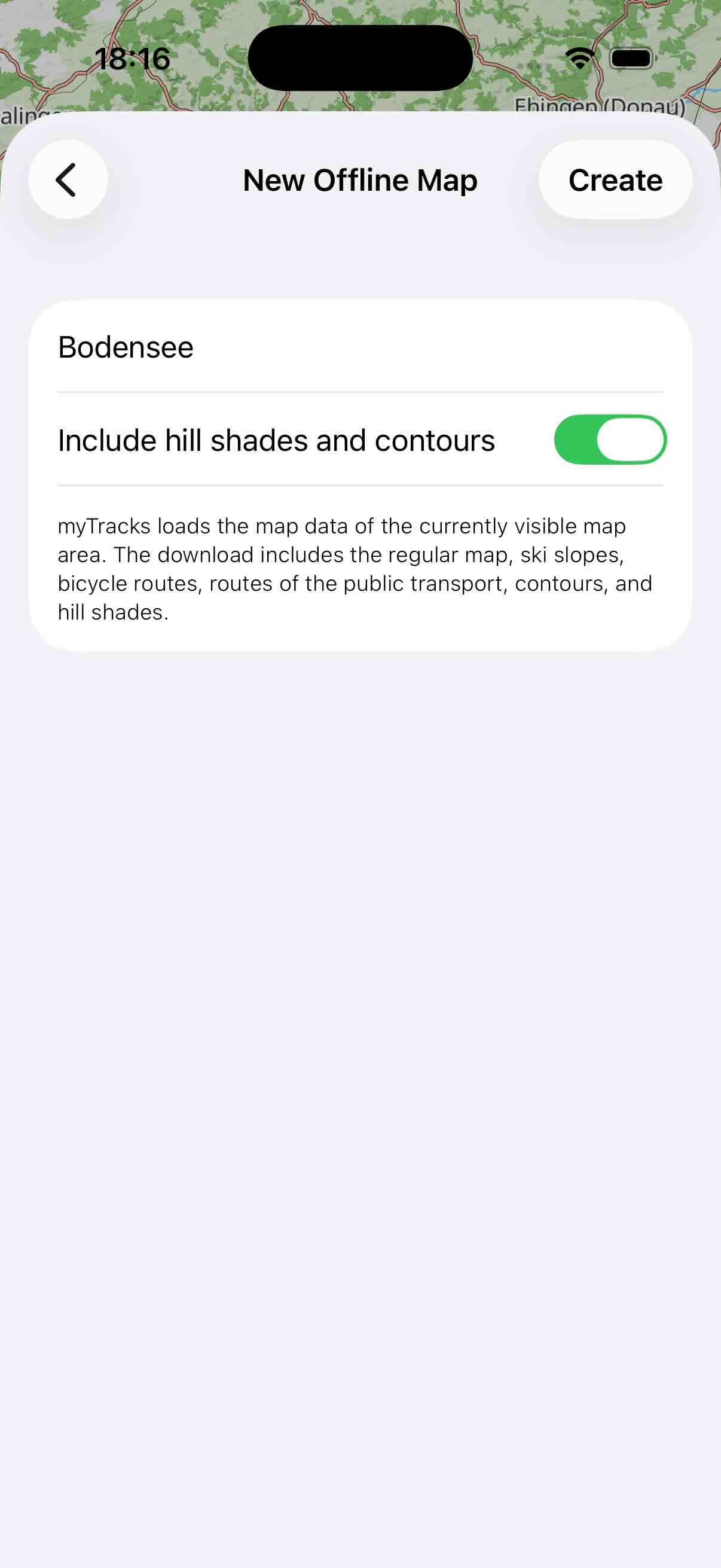
On the following view, give the map a name and specify, whether to also load the hill shades and contours. You can specify this, because it increases the download size. Finally, tap Create to start downloading the map:
The offline maps list is shown again and you can see the download progress of the map:
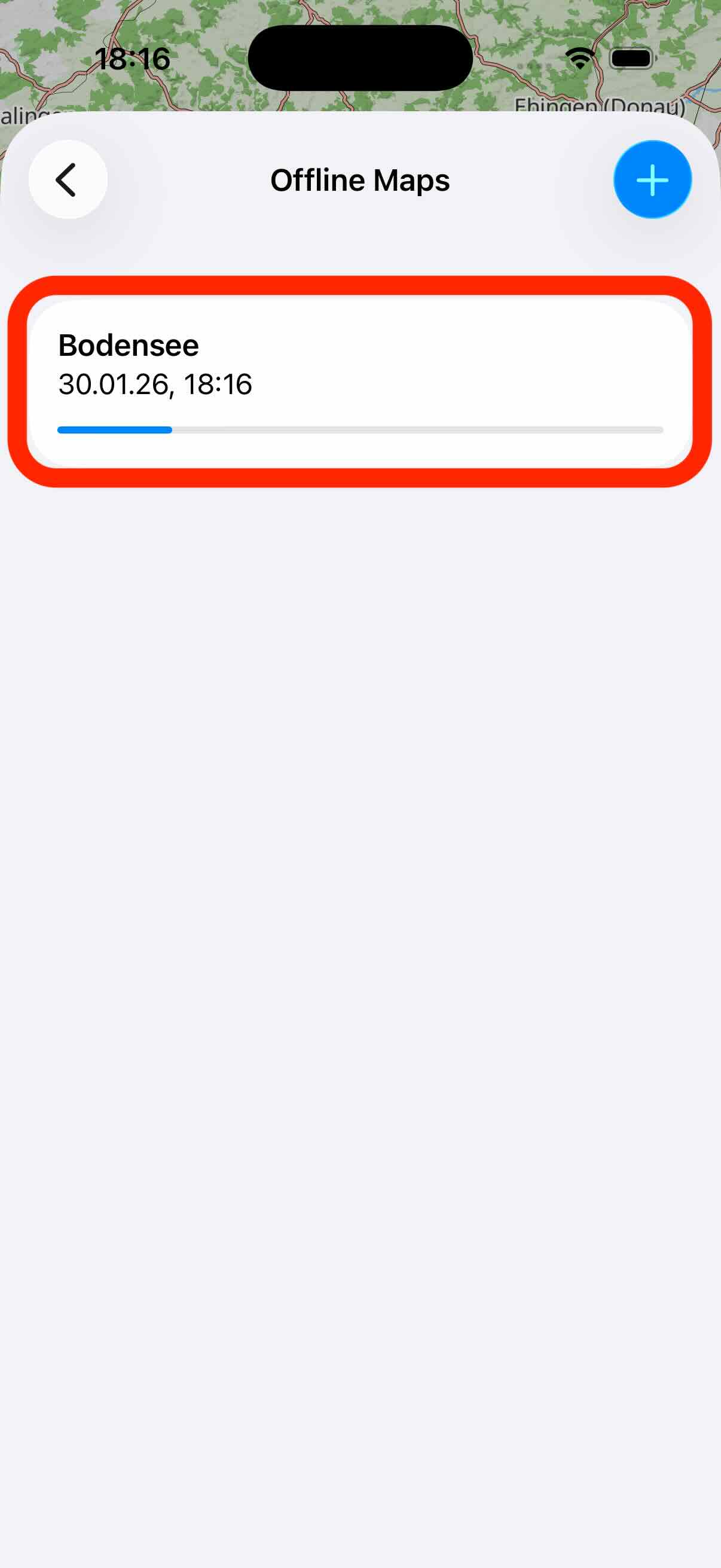
You can create as many offline maps as you like. If you create offline maps with overlapping areas the data is only downloaded once.
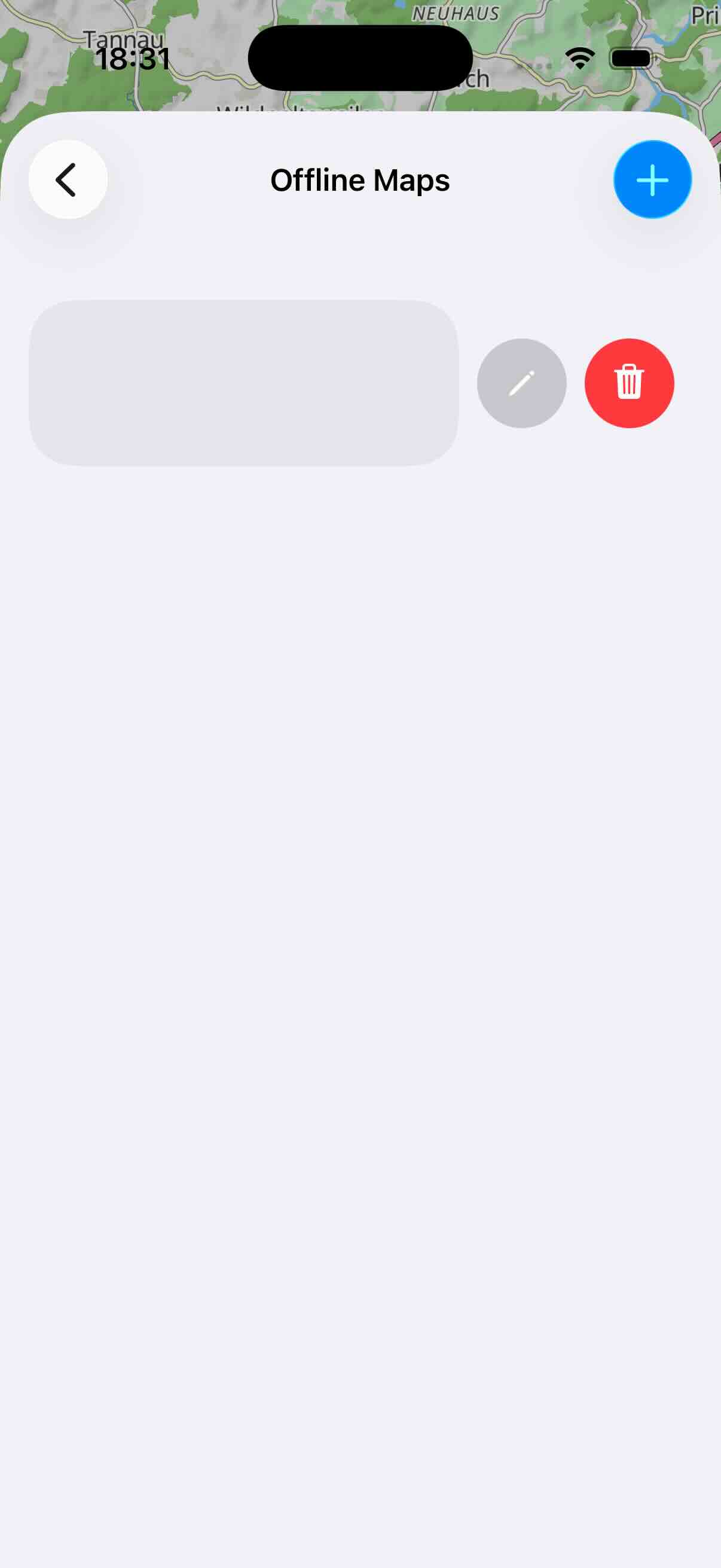
To delete an offline map swipe over the entry from right to left:
Apple Maps
This type of map is the Apple Map as you know it from the Maps app. With the typical zoom gesture, you can zoom in or out of the map. If you have zoomed far into the map, you can tilt the map by swiping up and down with two fingers at the same time.
In the settings you can choose between the styles Standard, Satellite and Hybrid. In addition, you can activate the display of buildings. This setting only affects the Standard style. It makes buildings appear as 3D objects when you tilt the map. However, these 3D buildings are only available for selected cities.
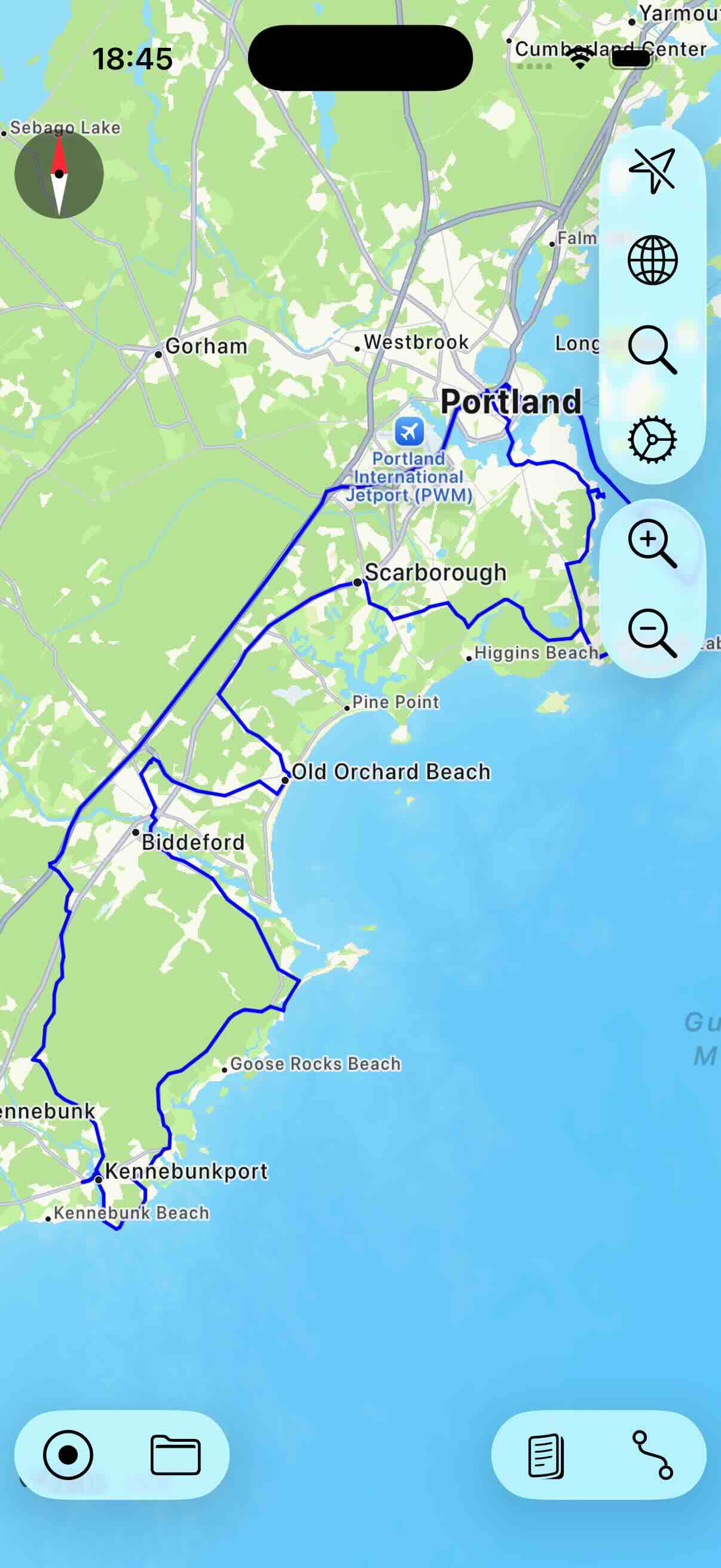
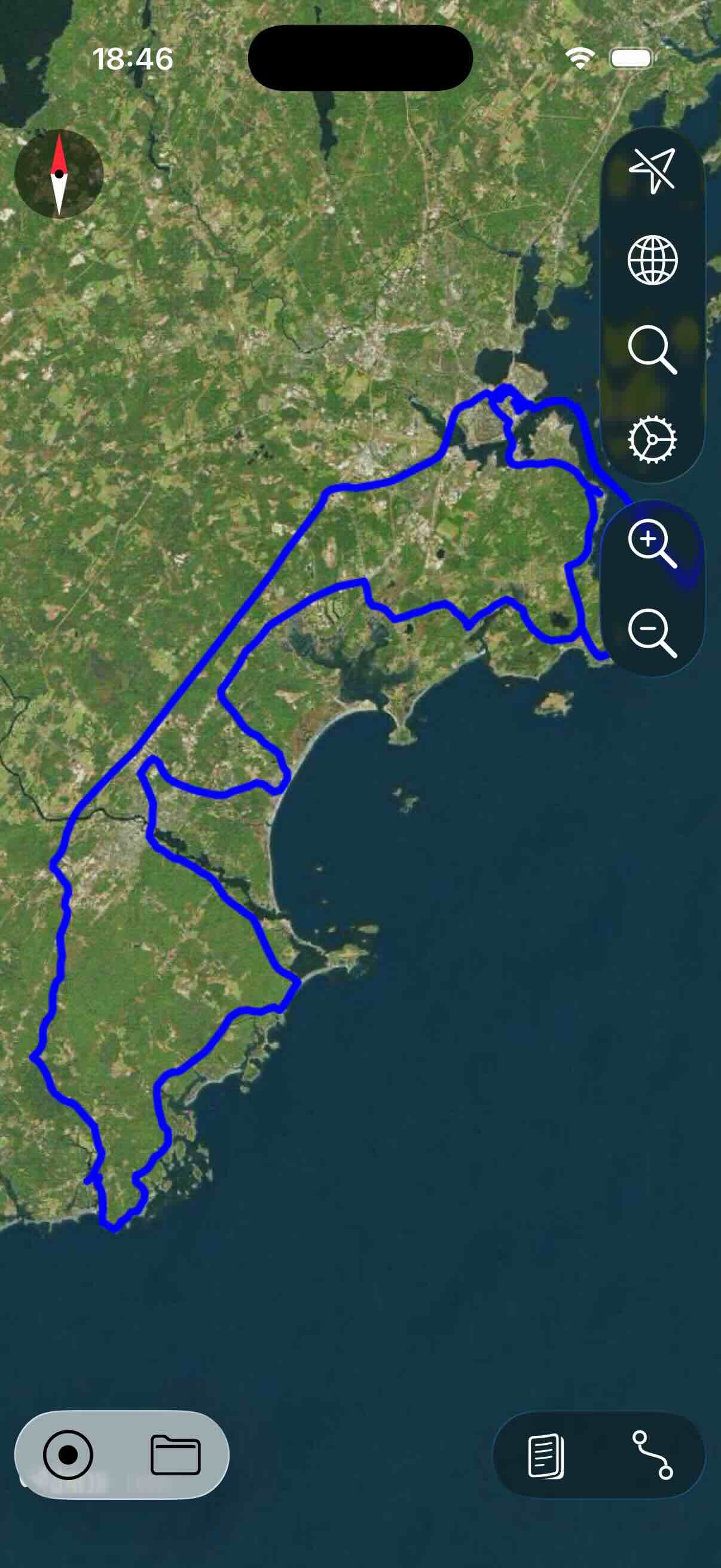
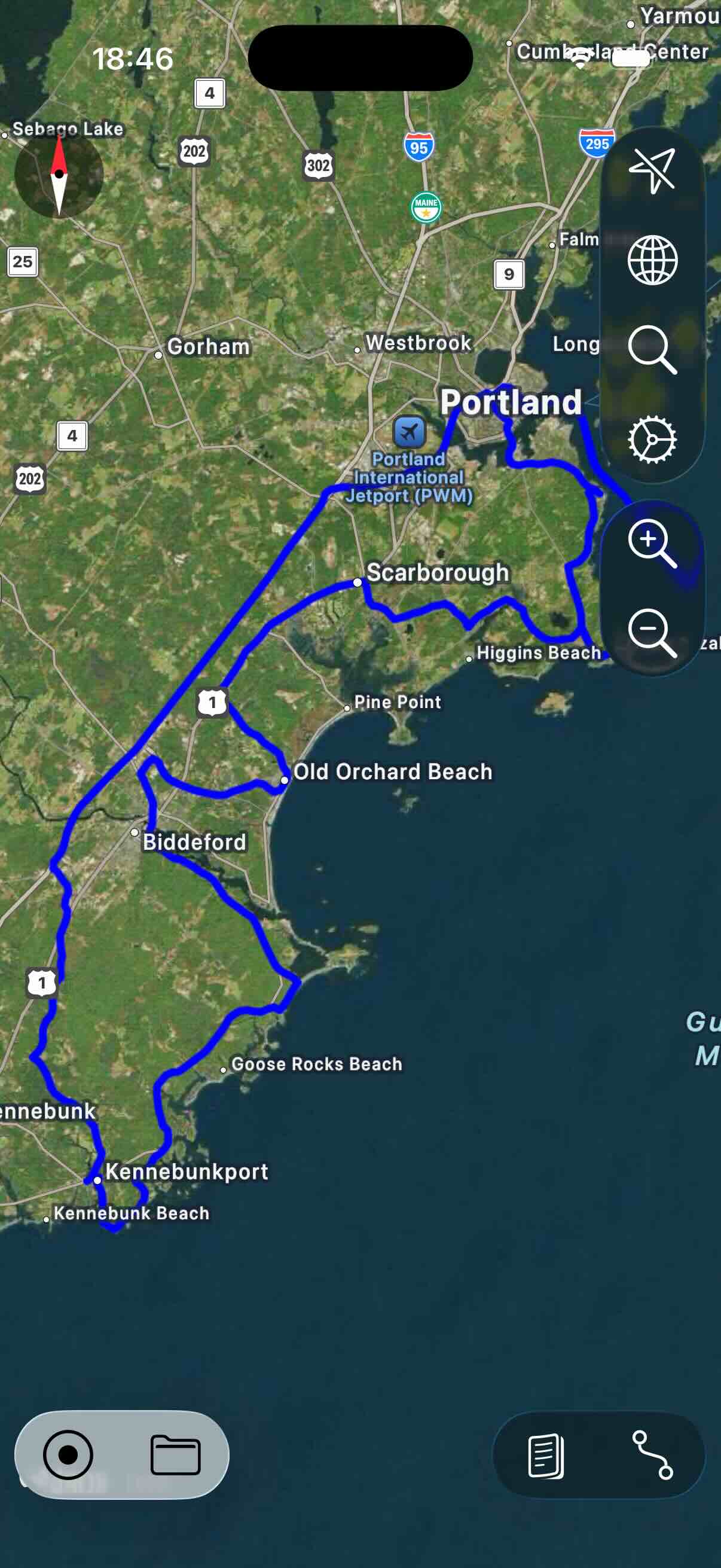
By default, the map is always displayed North Up. In the settings you can activate the compass. If this is activated, then the map can also be rotated arbitrarily. To re-north the map, tap the compass again.
In the settings, you can also activate the display of the current traffic situation. Similar to the OSM map you can activate and deactivate the display of POIs.
The data for the Apple Map is always downloaded from the Internet as needed. The Apple Map does not provide a way to load offline maps.