Search
myTracks offers a search to find addresses and POIs (point-of-interest). myTracks uses a search service provided by Apple. That means, even if you use the OSM map, the search feature always needs an active internet connection and the result is based on Apple's location database.
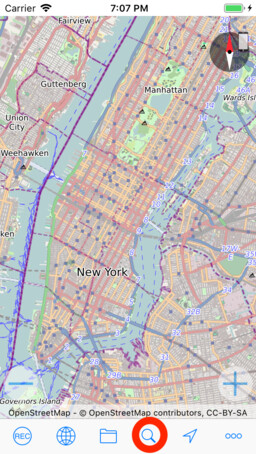
To open the search view tap the button with the magnifier and enter a search string. The search starts automatically and the result is typically shown after one second:
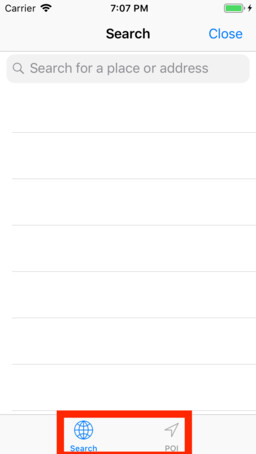
Tap an entry and the location is shown on the map.